The SagaIPTV blog
Ten guides that explain the technology, help you choose and show you how to troubleshoot your connection.
What is IPTV? A beginner's guide
IPTV means the TV picture reaches you over the internet instead of through an aerial, a satellite dish or a cable-TV network. Here is the technology without the jargon – and what to look out for as a consumer.
How to choose an IPTV subscription
There are plenty of IPTV services and even more promises. This checklist helps you ask the right questions – whichever provider you end up choosing.
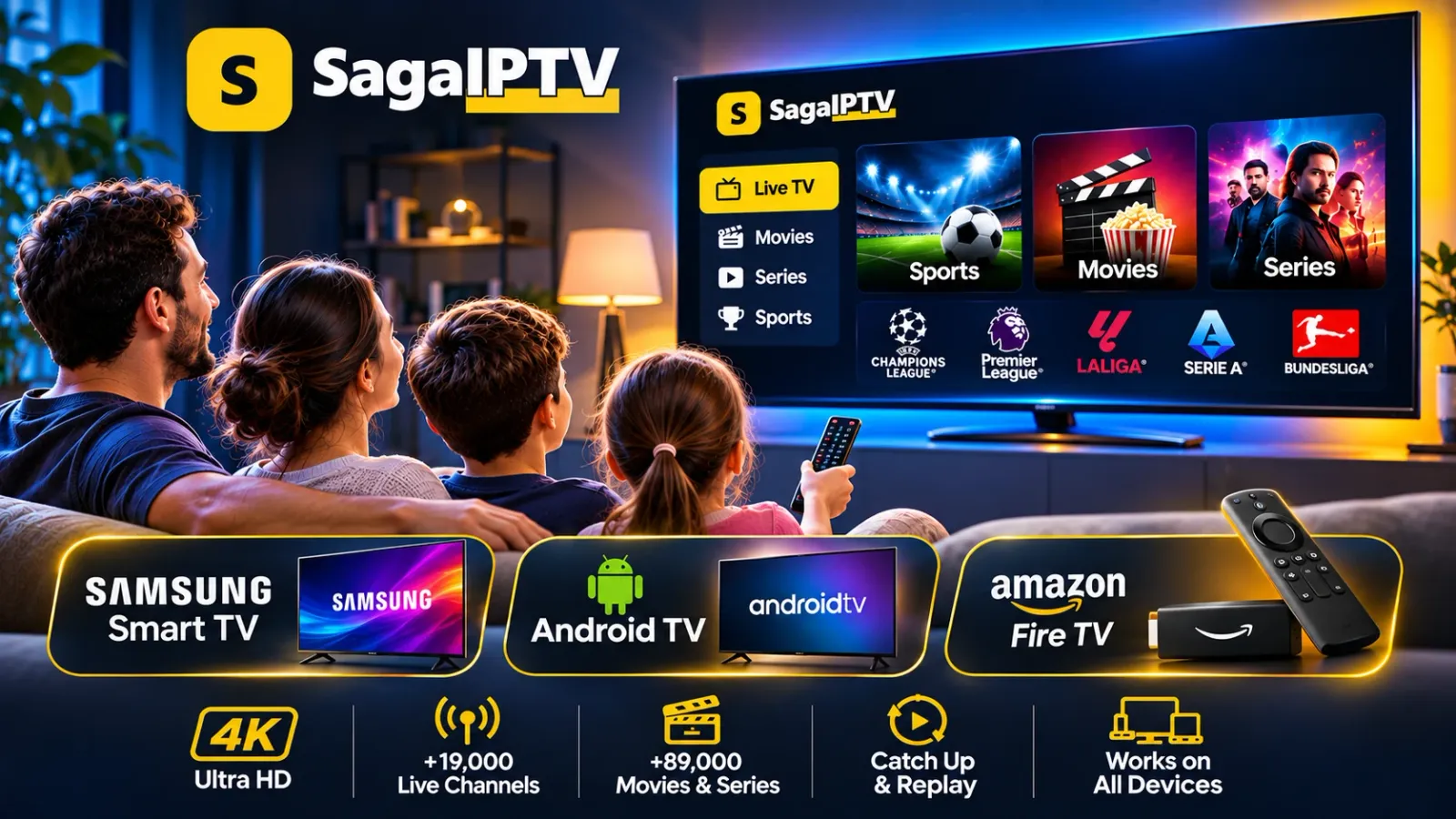
IPTV on Samsung Smart TV: setup guide
Samsung smart TVs run their own operating system and have their own app store. So the first step is always to find out exactly which TV you have. These are the preparations that apply whichever provider you use.
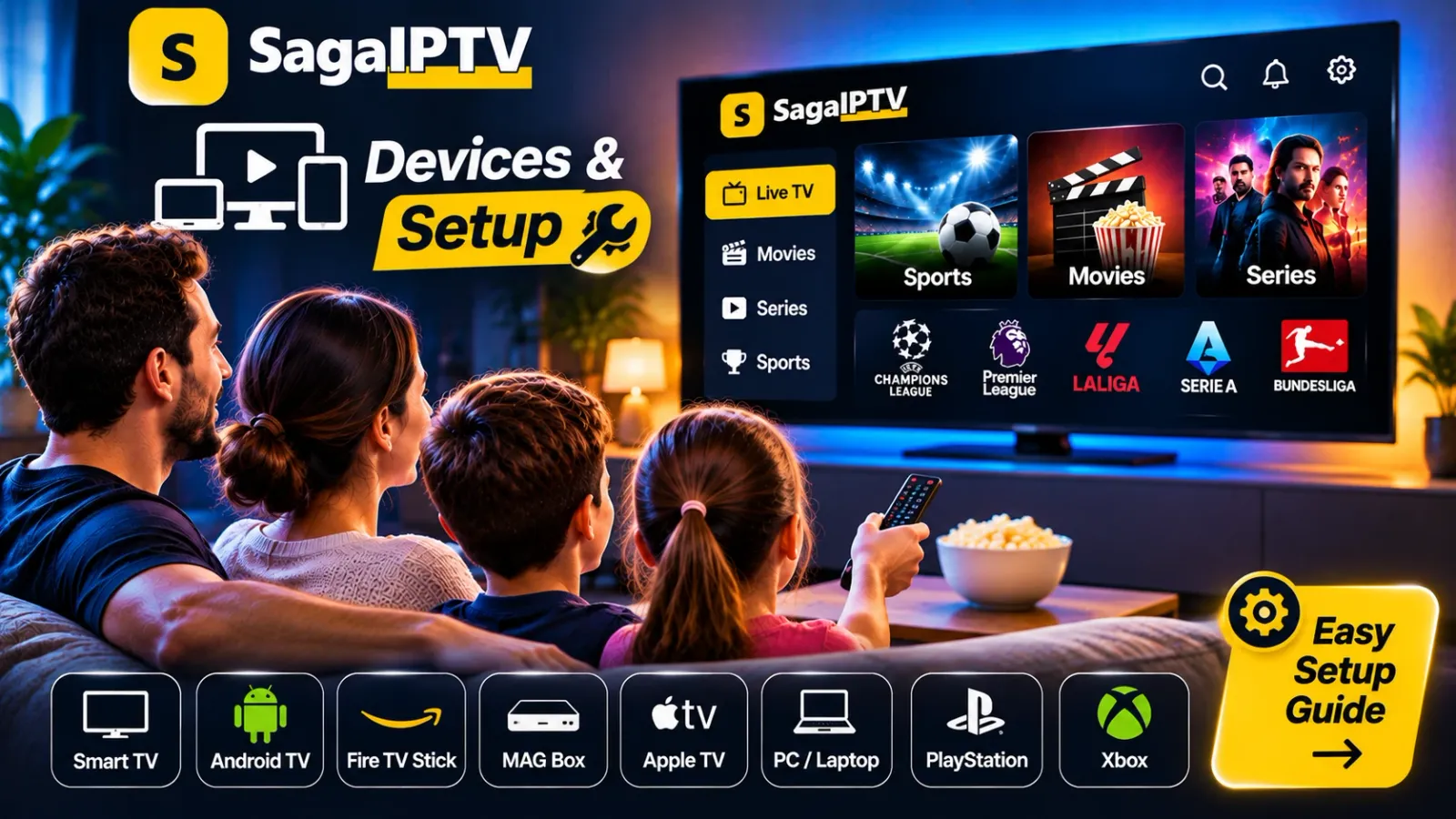
IPTV on Android TV: installation and setup
Android TV and Google TV are found in televisions from several manufacturers and in stand-alone media boxes. The steps are much the same everywhere. What matters is telling apart the settings on the device and the things that come from your provider.
IPTV on Amazon Fire TV: a practical setup guide
A Fire TV Stick is small and easy to move from one TV to another. But which apps you can find depends both on the generation of your device and on the country your Amazon account is registered in. Here is how to get the device ready.
Internet speed for streaming: what do you need?
The speed on your broadband contract is only half the story. What decides whether the picture runs smoothly is how much actually reaches the TV – at the moment you are watching. Here is how to find out.
Wi-Fi or Ethernet for streaming: which is better?
A network cable almost always gives the most stable picture. But not everyone can run a cable through the living room. Here are the pros and cons – and what you can do to make wireless work well.
How to troubleshoot streaming buffering and freezing
A spinning wheel and a frozen picture nearly always have one of three causes: the home network, the device or the service. Work through the steps in order – most problems are solved before step five.
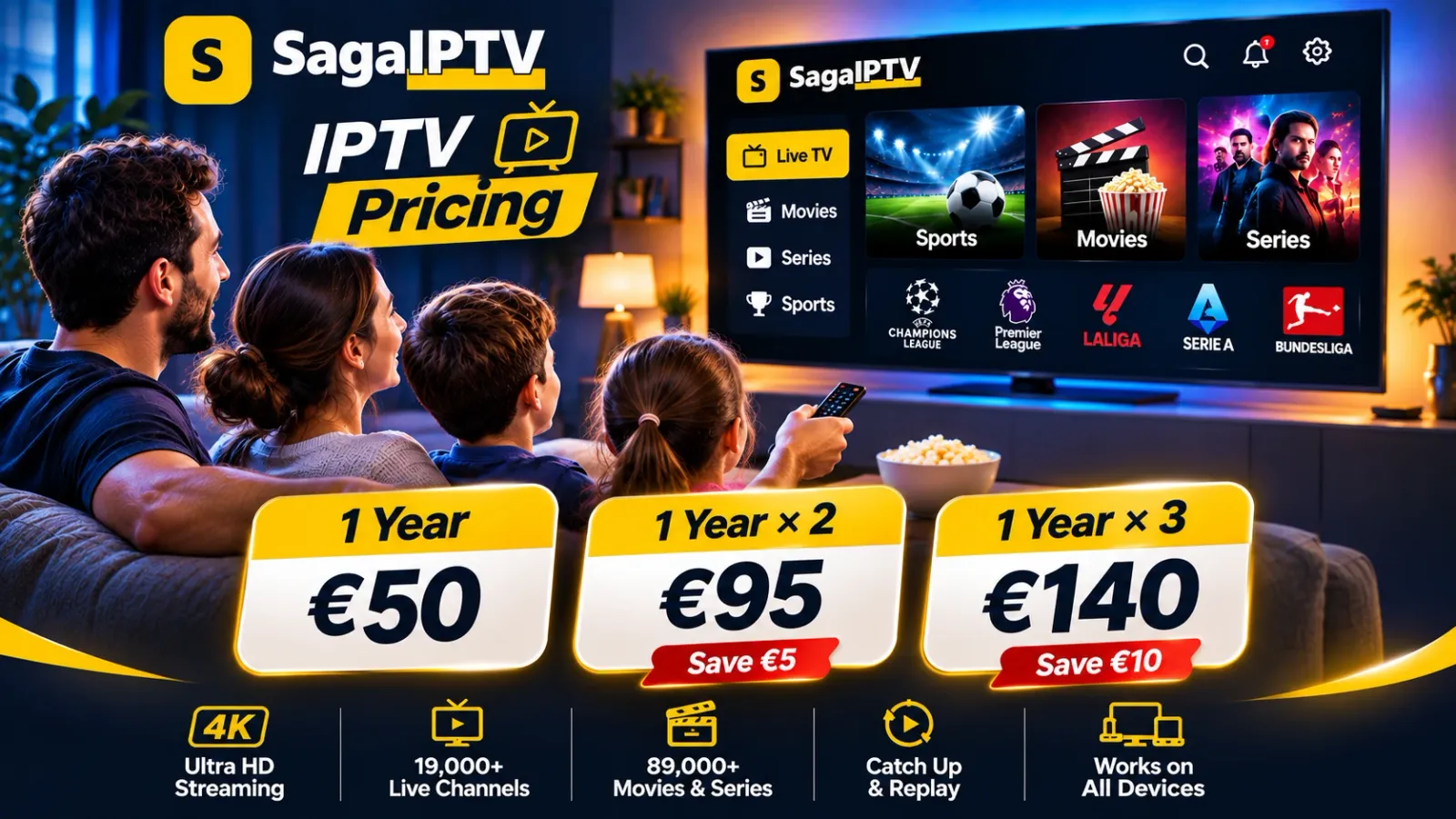
IPTV subscription costs: understanding plans and pricing
Two offers can look alike and still cost very different amounts over a year. Here is how to convert prices so they can be compared – using SagaIPTV's own packages as the example.
Streaming device compatibility: what to check before you subscribe
“Works on smart TVs” tells you very little. Two televisions of the same brand can be in completely different positions. With four details about your device you get a firm answer instead of a guess.
Got a question before you decide?
Message us on WhatsApp. We answer questions about packages, devices and terms.
The button opens a chat. Nothing is activated automatically.